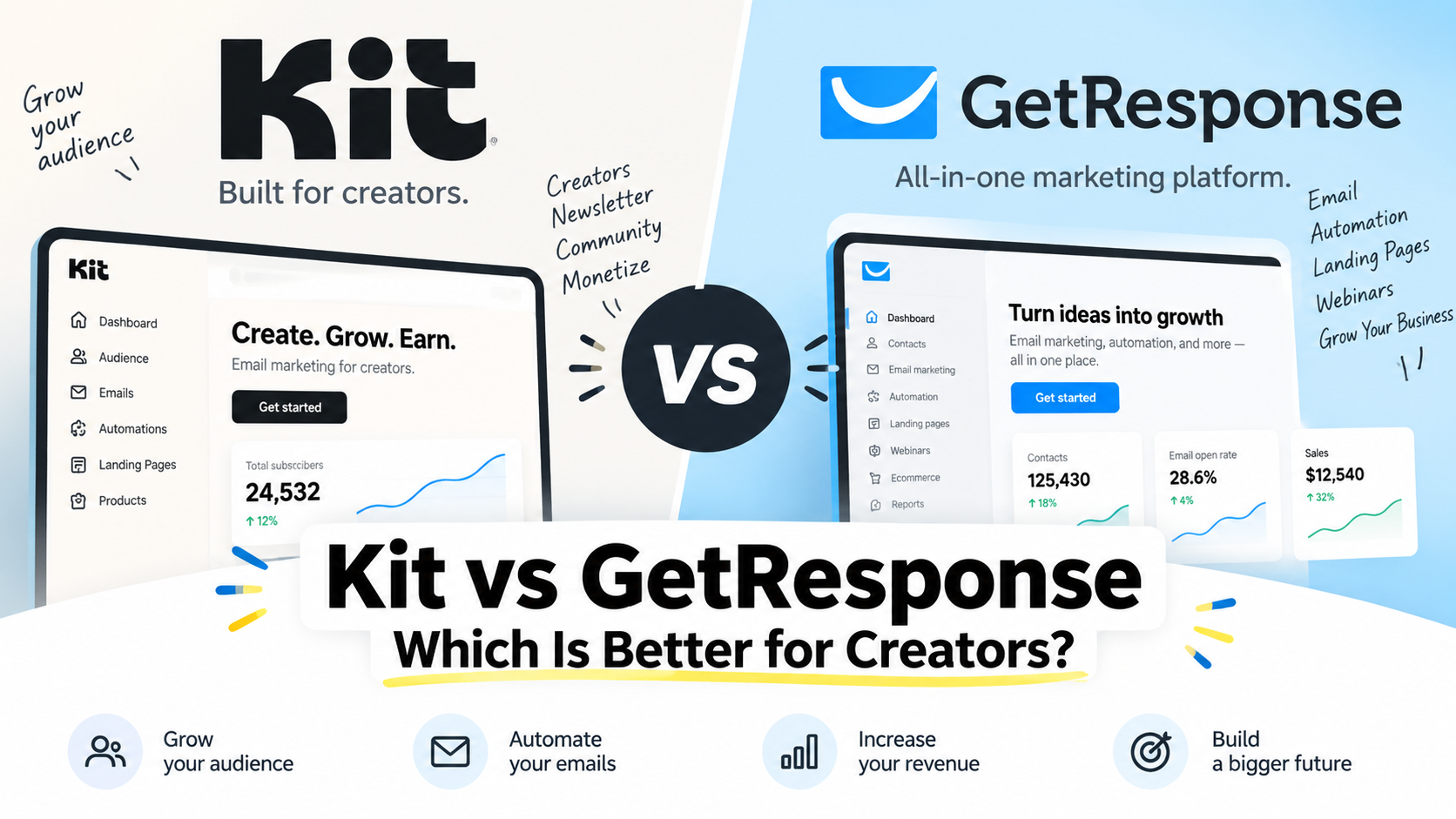
Choosing between Kit and GetResponse can be tricky, especially if you’re a creator looking for an email marketing platform that can grow with your business.
Both platforms offer email marketing, automation, landing pages, and tools for building an audience—but they’re designed with slightly different users in mind.
Kit focuses heavily on creators such as bloggers, newsletter writers, coaches, and digital product sellers. GetResponse offers a broader marketing toolkit, with features that extend beyond email into areas such as funnels, webinars, and marketing automation.
In this comparison, we’ll look at Kit vs GetResponse across pricing, ease of use, email automation, landing pages, monetization features, and more to help you decide which one better fits your needs.
Kit vs GetResponse at a Glance
| Feature | Kit | GetResponse |
| Best for | Creators & newsletters | Creators & small businesses |
| Free plan | Yes | Yes (limited; 14-day premium trial) |
| Email automation | Creator-focused & easy to use | Advanced & flexible |
| Landing pages | Yes | Yes |
| Webinars | No | Yes |
| Best choice if… | You want a simple creator-focused platform | You want an all-in-one marketing toolkit |
Quick Verdict
Choose Kit if you want a streamlined email marketing platform built around creators, newsletters, and audience growth.
Choose GetResponse if you want a broader marketing toolkit with features such as webinars, funnels, and more advanced automation options.
What Is Kit?
Kit is an email marketing platform designed with creators in mind. It provides tools for building an email list, sending newsletters, creating automated email sequences, and growing an audience.
Its creator-focused approach makes it especially relevant for bloggers, newsletter writers, coaches, freelancers, and digital product sellers who want to build direct relationships with their audience.
Kit Pros and Cons
Pros
- Built specifically for creators
- Creator-friendly visual automation tools on paid plans
- Strong features for newsletters and audience growth
Cons
- Fewer all-in-one marketing features than GetResponse
- May be less suitable for businesses that need webinars or broader marketing tools
- Some advanced features may require a paid plan
What Is GetResponse?
GetResponse is an email marketing and automation platform that combines email campaigns with a broader set of marketing tools. In addition to newsletters and automated email sequences, it offers features such as landing pages, conversion funnels, and webinars.
This makes GetResponse a strong option for creators, entrepreneurs, and small businesses that want more than email marketing from a single platform.
GetResponse Pros and Cons
Pros
- Advanced email automation features
- Built-in landing pages and conversion funnels
- Webinar functionality
- Broad range of marketing tools in one platform
Cons
- More features can mean a steeper learning curve
- May feel excessive if you only need simple email newsletters
- Some advanced features are limited to higher-tier plans
Kit vs GetResponse: Pricing
Pricing is an important difference between Kit and GetResponse, especially as your email list grows. Both platforms offer options for getting started, but their paid plans and feature sets are structured differently.
Kit offers a Free plan for up to 10,000 subscribers. For 1,000 subscribers, its Creator plan is currently listed at $33 per month when billed annually, while the Pro plan is $66 per month when billed annually. Pricing increases as your subscriber count grows.
GetResponse’s Starter plan currently starts at $19 per month for up to 1,000 subscribers when billed monthly, or $15.58 per month when billed annually. Its higher-tier Marketer and Creator plans add more advanced features such as expanded automation, sales funnels, webinars, and content monetization tools.
Because pricing and plan features can change, check each platform’s official pricing page before making a decision.
Kit vs GetResponse: Ease of Use
Kit keeps its interface relatively focused on email, subscribers, and automation. For creators who mainly want to build an audience, send newsletters, and set up automated email sequences, this focused approach can make the platform easier to understand.
GetResponse provides a wider range of marketing tools. That flexibility can be useful if you want to manage email marketing, landing pages, funnels, webinars, and automation in one place, but the broader feature set can also take more time to learn.
For simplicity: Kit has the advantage.
For an all-in-one marketing toolkit: GetResponse has the advantage.
Kit vs GetResponse: Email Automation
Both Kit and GetResponse offer automation tools, but they approach automation differently.
Kit’s Visual Automations are designed to help creators build automated customer journeys without making the process overly complicated. You can connect forms, tags, email sequences, and subscriber actions to create workflows for welcoming new subscribers, delivering lead magnets, or promoting products.
GetResponse offers more advanced marketing automation capabilities, with workflows based on conditions, actions, and filters. This gives businesses more flexibility when building complex customer journeys and targeting subscribers based on their behavior.
For creators who want straightforward email automation: Kit is likely the better fit.
For users who want more advanced and customizable workflows: GetResponse has the edge.
Kit vs GetResponse: Landing Pages and Funnels
Both platforms let you create landing pages, but their focus is different.
Kit’s landing page tools are designed primarily for creators who want to collect email subscribers and grow an audience. They work well for lead magnets, newsletter sign-ups, and simple creator campaigns without requiring a separate website.
GetResponse goes further by combining landing pages with conversion funnels and other marketing tools. This can be useful if you want to build a more complete customer journey—from capturing a lead to nurturing that subscriber and eventually promoting a product or service.
For simple audience-building landing pages: Kit is a strong choice.
For more complete marketing funnels: GetResponse has the advantage.
Which One Is Better for You?
Choose Kit if you:
- Are a creator, blogger, coach, or newsletter writer
- Want a simple platform focused on email and audience growth
- Prefer straightforward visual automations
- Want to sell digital products or monetize your audience
Choose GetResponse if you:
- Run a small business or more complex online business
- Want email marketing and broader marketing tools in one platform
- Need advanced automation and segmentation options
- Want features such as webinars and conversion funnels
Ultimately, Kit is the stronger choice for creators who value simplicity and a creator-focused experience, while GetResponse is better suited to users who want a broader all-in-one marketing platform.
Final Verdict: Kit or GetResponse?
In this Kit vs GetResponse comparison, both platforms are capable email marketing solutions, but they serve slightly different needs.
If your priority is building an audience, sending newsletters, and creating straightforward automations as a creator, Kit is the better fit for most creators.
If you want a broader marketing platform with advanced automation, conversion funnels, webinars, and additional marketing tools, GetResponse is likely the better choice.
The right choice ultimately depends on how you plan to grow your business. Consider the features you need today as well as the tools you may need as your audience grows.
Frequently Asked Questions
Is Kit better than GetResponse for creators?
Kit is generally the better fit for creators who prioritize newsletters, audience growth, and straightforward email automation. GetResponse may be a better choice for creators who need a broader set of marketing tools, including webinars and conversion funnels.
Does Kit have a free plan?
Yes. Kit offers a free plan, although its limits and included features can change over time. Check Kit’s official pricing page for current details before choosing a plan.
Is GetResponse good for beginners?
Yes. GetResponse can work well for beginners, but it offers a broader range of features than Kit. Users who only need basic newsletters and simple automation may find Kit more straightforward, while GetResponse provides more room for advanced marketing workflows.
Interested in how AI is changing product discovery? Explore our guide to the best AI visibility tools for ChatGPT and AI search.
「Kit vs GetResponse: Which Email Marketing Platform Is Better for Creators?」への2件のフィードバック